
Everyone wants AI to help with email. Nobody wants another tool that creates more work.
Foresty and Jetwriter.ai both aim to make email writing faster, but they take very different approaches. Here is how they compare.
You spend hours every week writing emails. Follow-ups, client updates, cold outreach, replies to long threads, it adds up fast.
AI writing tools promise to fix that. But not all of them work the same way, and picking the wrong one means you are still wasting time.
Foresty and Jetwriter.ai are two popular Chrome extensions that help you write faster. On the surface, they look similar. Dig deeper and the differences become clear, especially if email is where you spend most of your time.
This article gives you a complete, honest comparison of both tools: features, pricing, use cases, and a clear verdict on which one fits your workflow.
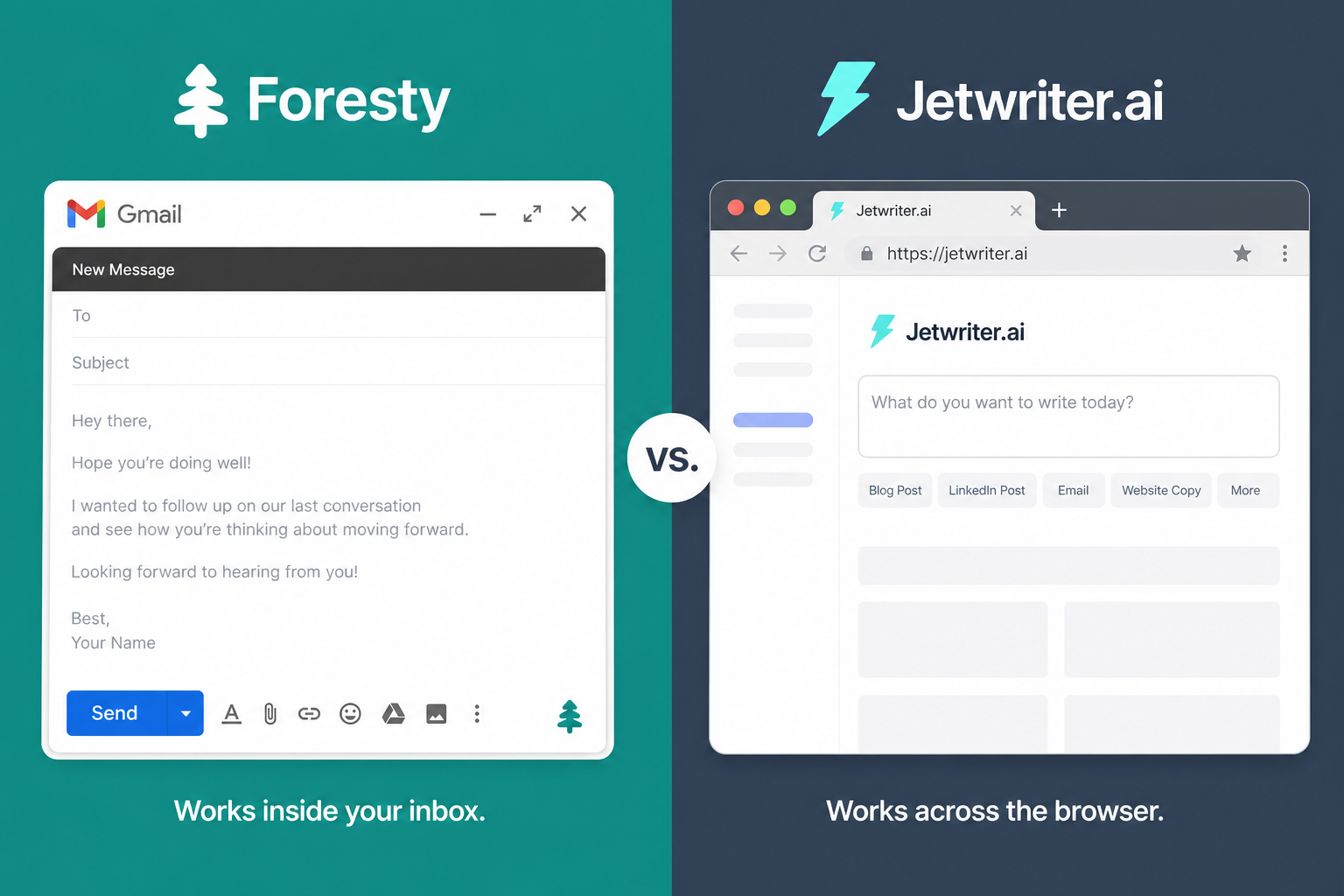
At a Glance: Foresty vs Jetwriter.ai
| Feature | Foresty | Jetwriter.ai |
|---|---|---|
| Built specifically for email | ||
| Works inside Gmail | ||
| Works inside Outlook | ||
| AI reply generator | ||
| Smart autocomplete | ||
| Subject line generator | ||
| Voice assistant | ||
| Writing improvement | ||
| Works across all websites | ||
| Multiple AI models | ||
| Transparent pricing | ||
| Email data never stored | Unknown | |
| Free plan |
What Is Foresty?
Foresty is a Chrome extension built specifically for email. It works directly inside Gmail and Outlook: no extra tabs, no copy-pasting, no switching between tools.
You describe what you want to say, and Foresty writes a polished email in seconds. You can also improve drafts, generate replies, create subject lines, and use smart autocomplete as you type.
The entire experience happens inside your inbox. That is the point.
What Is Jetwriter.ai?
Jetwriter.ai is a browser-based AI writing assistant that works across websites and apps. You can use it in Gmail, Outlook, LinkedIn, Slack, WhatsApp Web, Zendesk, and many other platforms.
It supports multiple AI models including GPT, Gemini, and Claude. You can write emails, correct grammar, translate content, summarize documents, and chat with files.
The key difference: Jetwriter is built for everywhere. Foresty is built for the inbox.
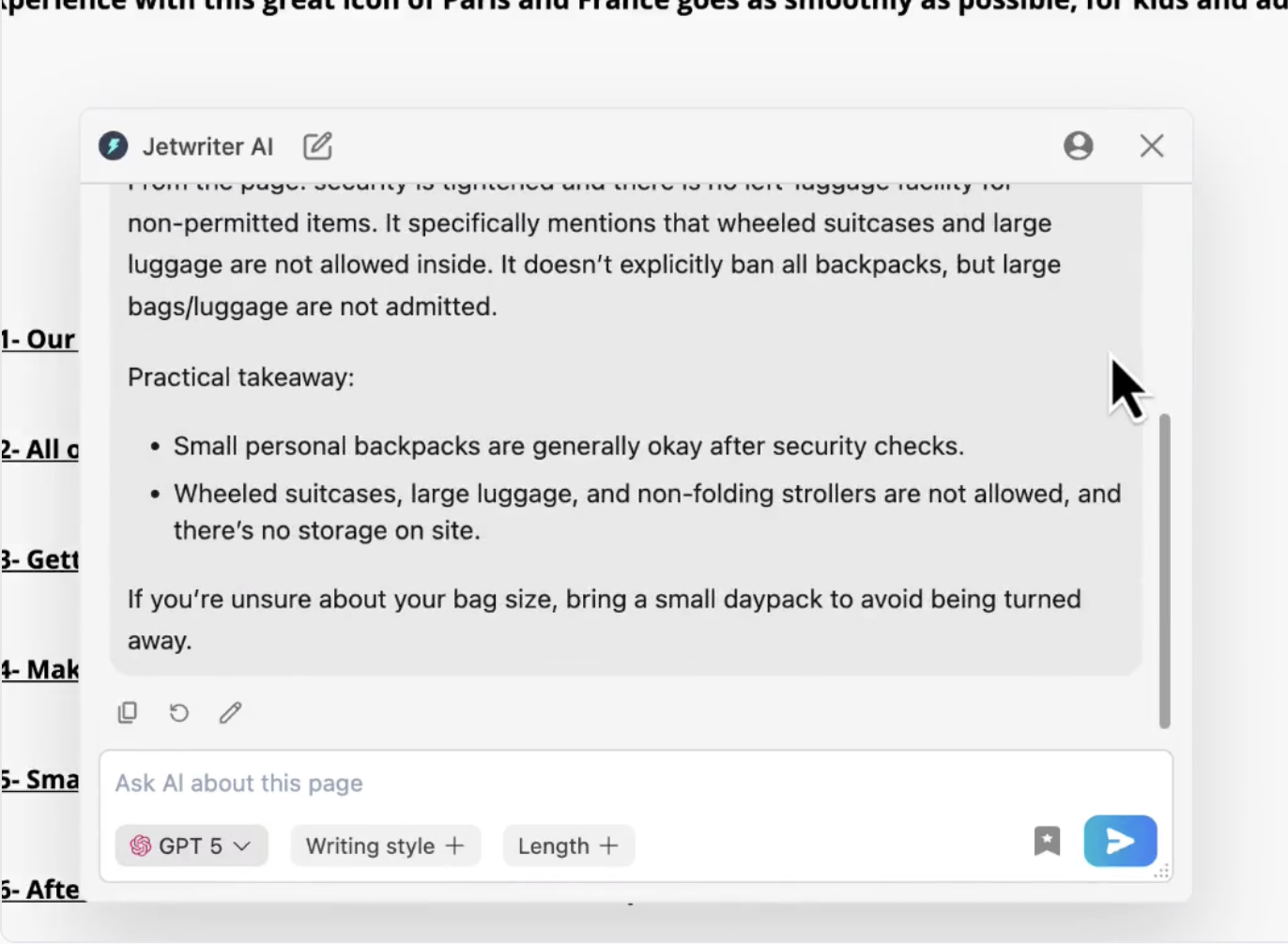
Where the Two Tools Actually Differ
Email Is the Whole Product, Not One Feature
Foresty was designed from the ground up for email. Every feature: drafting, replying, improving, autocomplete, subject lines, is tuned specifically for how email conversations work.
Jetwriter.ai treats email as one of many writing surfaces. That is useful if you write across many platforms. But it means the email experience is not as focused or refined.
If email is 80% of your daily writing, a dedicated email tool will feel faster and more natural to use.
Subject Lines
Foresty generates subject lines directly inside the compose window. It is a small feature that saves a surprising amount of time, especially when you are sending cold outreach or important updates.
Jetwriter.ai does not offer subject line generation as a dedicated feature.
Working Inside Your Inbox vs Working Across Tabs
With Foresty, everything happens inside Gmail or Outlook. You open a compose window, click the extension, and get your email written. You never leave the page.
Jetwriter.ai works across sites, which is great for versatility. But for pure email workflows, staying inside the inbox without interruption makes the process faster.
Privacy and Data Handling
Foresty is explicit about how it handles your email content: it is processed in-memory, never stored, never used for AI model training, and never sold. You can read the full details on the Foresty Privacy Policy.
Jetwriter.ai's data handling practices are not as publicly documented. If you are sending sensitive business emails, that is worth thinking about before choosing a tool.
Feature-by-Feature Comparison
Drafting Emails From Scratch
Foresty: Type a quick note like "Tell the client the project is delayed by a week and apologize" and Foresty turns it into a full, professional email in seconds. It works without leaving Gmail or Outlook.
Jetwriter.ai: Can also draft emails from prompts. Because it supports multiple AI models, you can switch between GPT, Claude, or Gemini depending on the result you want.
Edge: Foresty for email-specific speed. Jetwriter.ai for model flexibility.
Generating Replies
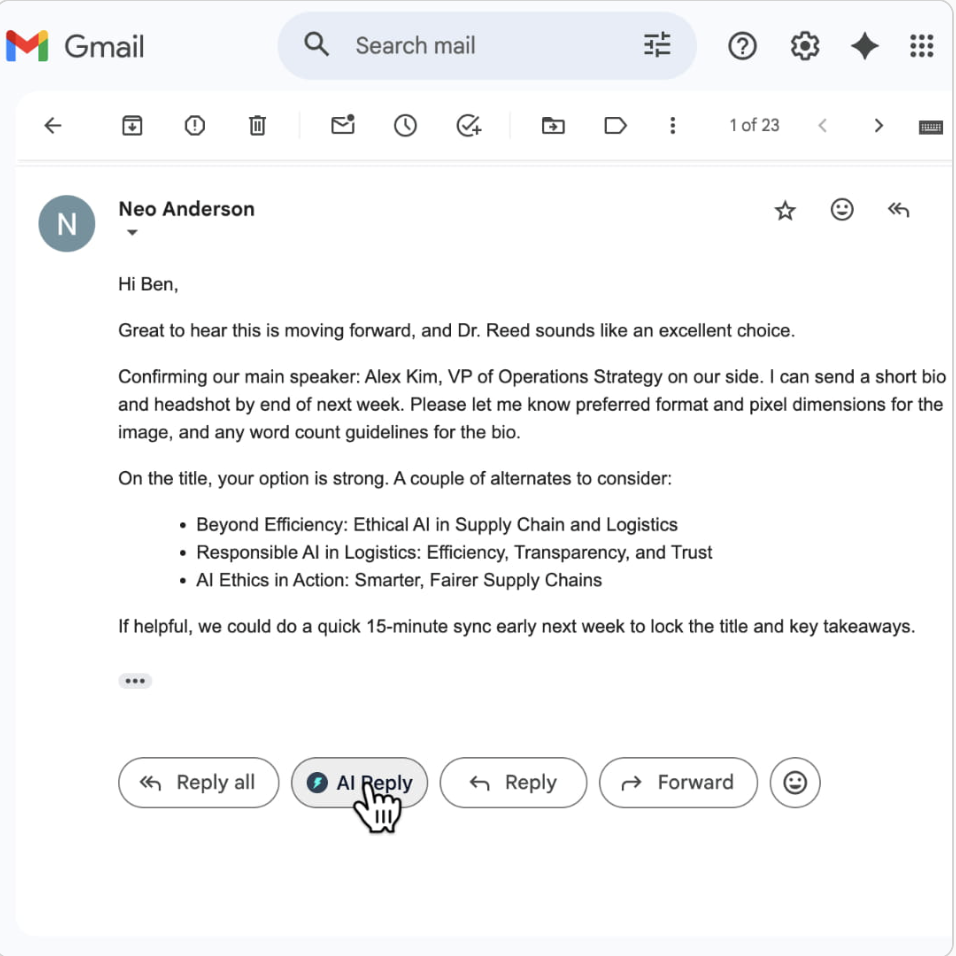
Foresty: The AI Email Reply Generator reads the email you received and creates a relevant, natural reply in under a minute. It understands the tone of the conversation and matches it.
Jetwriter.ai: Offers reply generation as well. Useful across platforms like LinkedIn and support tools, not just email.
Edge: Foresty for inbox-focused reply generation. Jetwriter.ai for replying across multiple platforms.
Writing Improvement
Both tools can take a rough draft and make it cleaner, more professional, or better structured. This is a shared strength, neither tool has a clear advantage here.
Smart Autocomplete
Foresty's autocomplete works inside Gmail and Outlook as you type, predicting your next sentence based on context.
Jetwriter.ai's autocomplete works across websites, which is useful if you write a lot in tools like Notion, Zendesk, or LinkedIn messages.
Edge: Depends on where you spend your time writing.
Platform Reach
Foresty: Gmail and Outlook. That is it, and that is by design.
Jetwriter.ai: Gmail, Outlook, LinkedIn, Slack, WhatsApp Web, Zendesk, Freshdesk, Zoho, and more.
If you need one tool that helps you write across your entire workflow, Jetwriter.ai has the broader reach.
Pros and Cons
Foresty
- Built specifically for email
- Works directly inside your inbox
- Subject line generator included
- Transparent pricing and privacy
- Clean, focused experience
- No data stored or sold
- Only works in Gmail and Outlook
- No multi-platform writing support
- Limited to email use cases
- Fewer AI model options
Jetwriter.ai
- Works across many platforms
- Multiple AI model support
- Broad use cases beyond email
- Useful for support teams and freelancers
- Supports many languages
- Pricing not publicly listed
- Data handling less transparent
- Email features less specialized
- No subject line generator
How Much Does Each Tool Cost?
Foresty Pricing
Foresty's pricing is fully public and straightforward. You can see all plan details on the Foresty Pricing page.
| Plan | Monthly | Annual | Words/Month |
|---|---|---|---|
| Free | $0 | $0 | 500 words |
| Basic | $12.95/mo | $8.08/mo | 15,000 words |
| Pro | $29.95/mo | $21.41/mo | 50,000 words |
All plans include Gmail and Outlook integration, drafting, replying, writing improvement, voice assistant, and smart autocomplete. No credit card required to start.
Jetwriter.ai Pricing
Jetwriter.ai offers a free plan. Paid pricing is available but not publicly listed on their website. You would need to sign up or contact them to see what plans cost.
If transparent pricing matters to you when evaluating tools, Foresty is the clearer option.
Which Tool Is Best For You?
Choose Foresty if you:
- ✓Spend most of your writing time in Gmail or Outlook
- ✓Want a tool that works without leaving your inbox
- ✓Need subject line generation alongside drafting and replies
- ✓Handle sensitive or confidential email content
- ✓Want clear, upfront pricing with no surprises
- ✓Use the Gmail Writing Assistant or Outlook Writing Assistant workflow
Choose Jetwriter.ai if you:
- ✓Write across multiple platforms like LinkedIn, Slack, support tools, and more
- ✓Want access to multiple AI models like GPT, Claude, and Gemini
- ✓Need writing help beyond just email
- ✓Work in customer support or outreach roles across different tools
Final Verdict
These are two solid tools that serve different needs.
If email is the main thing you write every day (client updates, replies, outreach, internal messages), Foresty is the stronger choice. It is built specifically for Gmail and Outlook, it works without disrupting your inbox workflow, and everything from drafting to replies to subject lines is designed around email.
Jetwriter.ai makes more sense if you need one assistant that covers your entire writing workflow, from emails to LinkedIn messages to support tickets. The multi-model and multi-platform support is a real advantage for that use case.
But if your inbox is where you lose the most time, a dedicated email tool will save you more of it.
FAQ
Is Foresty better than Jetwriter.ai for email?
For email specifically, yes. Foresty is built entirely around Gmail and Outlook, with features like subject line generation and inline reply drafting that are tuned for inbox workflows. Jetwriter.ai covers more ground but isn't as specialized for email.
Does Jetwriter.ai work inside Gmail?
Yes, Jetwriter.ai works inside Gmail as part of its broad browser coverage. Foresty also works inside Gmail, but is focused solely on the email experience rather than general web writing.
Which tool is better for privacy with email content?
Foresty is explicit about its data practices: email content is processed temporarily, never stored, and never used to train AI models. Jetwriter.ai's data handling is less publicly documented, which is worth considering for business or confidential emails.
Does Jetwriter.ai generate email subject lines?
No, subject line generation is not a listed feature in Jetwriter.ai. Foresty includes it as a dedicated feature inside Gmail and Outlook.
Can I try Foresty for free?
Yes. Foresty has a free plan with 500 words per month, no credit card required.
What is the best AI email writing assistant?
It depends on your workflow. If you work primarily in Gmail or Outlook and want a focused email tool, Foresty is a strong option. If you write across multiple platforms and want multi-model support, Jetwriter.ai covers more ground.
How fast does Foresty draft an email?
Foresty reduces email drafting time to 2 to 3 minutes compared to 20 to 30 minutes writing manually or 10 to 15 minutes using ChatGPT with copy-pasting.
Is Foresty only for Gmail?
No. Foresty works in both Gmail and Outlook, including Outlook 365 and Outlook Web.